Introduction
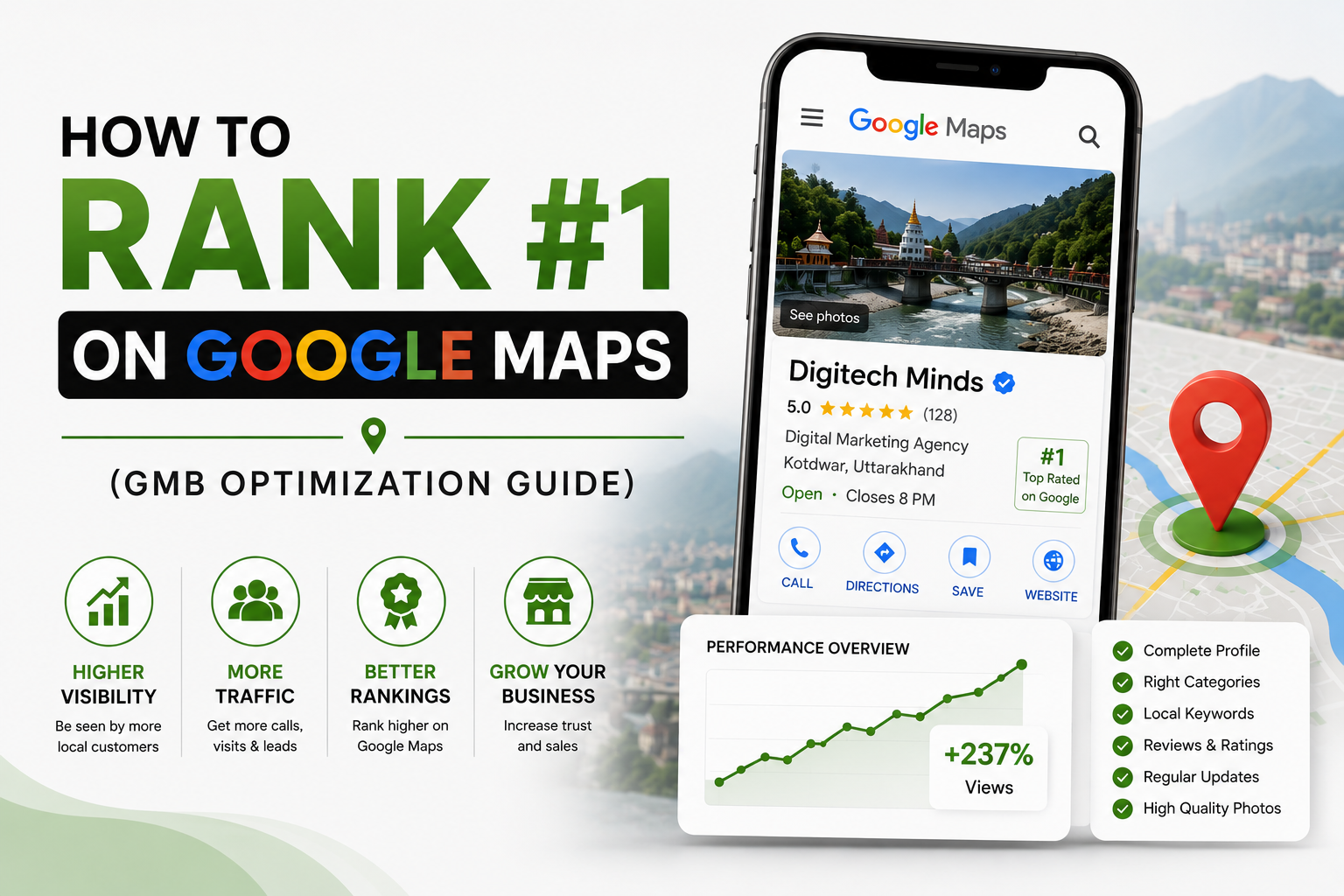
How any business rank #1 on google maps? Search for any local business in Uttarakhand on Google, and you’ll notice something interesting. Before you even see the websites, Google displays a map with the top local business listings. These businesses get the most visibility, the most clicks, and often the most potential customers.
So, how do they get there? The answer is Google Business Profile Optimization. A well-optimized Google Business Profile helps businesses rank higher on Google Maps and local search results.
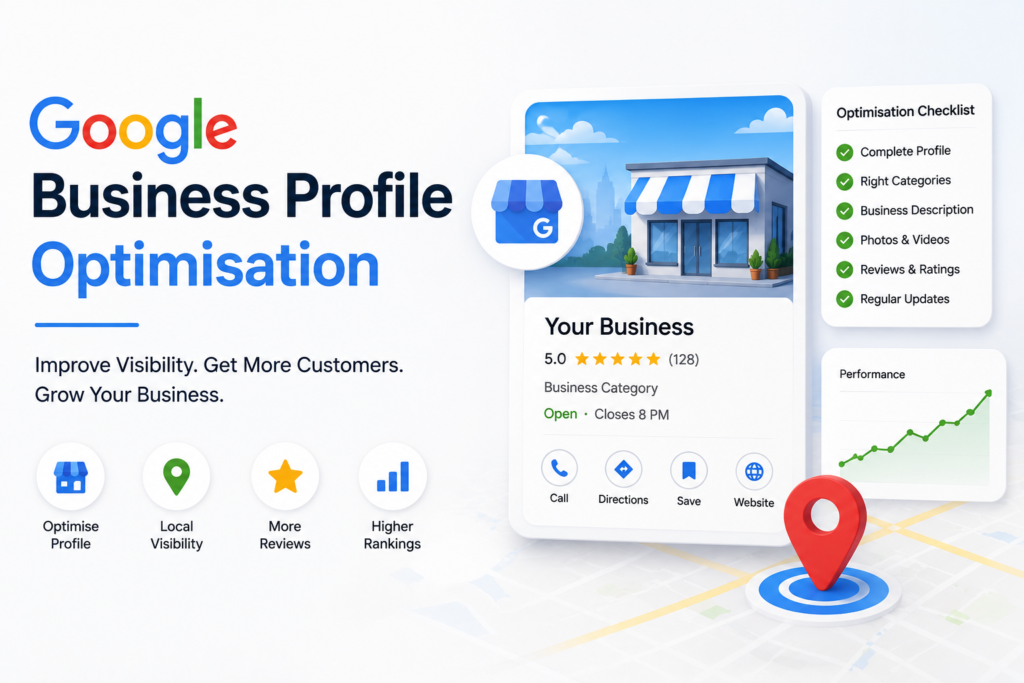
From Dehradun and Haridwar to Rishikesh, Haldwani, Rudrapur, Kotdwar, Roorkee, Kashipur, Almora, and Nainital, local businesses across Uttarakhand are using Google Business Profile to reach more customers. Optimizing your profile can help more people find your business and choose you over your competitors.
In this Google Business Profile Optimization Guide, you’ll learn how Google Business Profile works, why it’s one of the most important local SEO tools, and the practical steps to improve your Google Maps ranking and attract more local customers across Uttarakhand.
What Is Google Business Profile?
According to the Google Business Profile Help Center, formerly known as Google My Business (GMB), it is a free listing from Google. It helps customers find your business on Google Search and Google Maps.
When someone searches for a local business or service, Google often shows a list of nearby options. It also includes key details, such as:
- Business Name
- Address
- Phone Number
- Website
- Business Hours
- Customer Reviews
- Photos
- Directions
- Services
This information helps customers decide which business to contact or visit. For local businesses in Uttarakhand, an optimized Google Business Profile can be as important as a professional website.
Why Google Maps Rankings Matter for Local Businesses
Imagine two businesses offering the same service in Uttarakhand. One business appears in the top three Google Maps results, while the other appears much lower. Which one do you think will receive more phone calls, website visits, and customer enquiries?
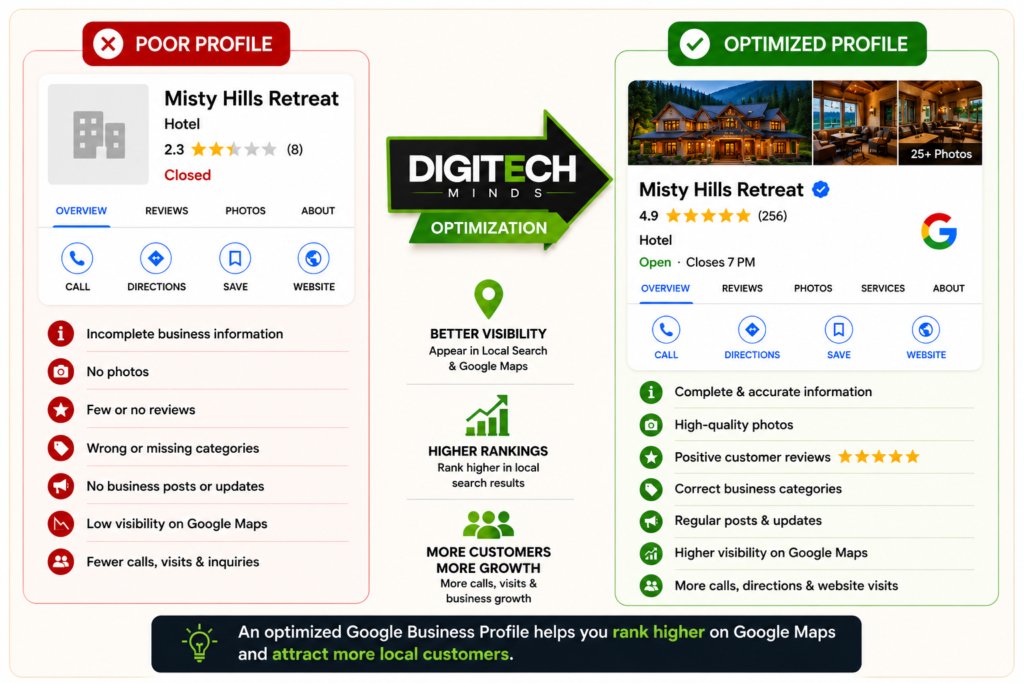
For most people, the answer is obvious. Studies show that users are more likely to click businesses at the top of local search results. They seem more trustworthy and convenient.
If your business ranks no #1 on Google Maps, a well-optimized GMB profile helps you:
- If people are searching for “near me” in Uttarakhand
- Build instant trust with reviews, ratings, and photos
- Get direct calls, direction requests, and website visits
- Compete with bigger businesses without spending on ads
- Higher brand credibility
For businesses that depend on local customers, Google Maps can become one of the most valuable sources of leads.
Step-by-Step GMB Optimization Guide
Step 1: Claim and Verify Your Google Business Profile:
Before you can optimize your profile, you need to claim ownership of it. Visit the Google Business Profile dashboard and:
- Business name/ Business listing
- Select the correct business category
- Enter your address
- Add your phone number
- Add your website
- Complete Google’s verification process
Without verification, your profile won’t have access to all optimization features.
Step 2: Choose the Right Business Category
One of the biggest mistakes local businesses make is selecting the wrong business category. Your primary category tells Google exactly what your business does.
For example:
- Digital Marketing Agency
- Website Designer
- News Agency
- Advertising Agency
- SEO Consultant
Choose the category that best describes your primary service, then add relevant secondary categories if needed. Avoid selecting unrelated categories just to target more keywords—this can confuse Google’s understanding of your business.
Step 3: Write an SEO-Friendly Business Description
Your business description is an easy way to tell Google and customers what you offer. It can help local SEO for businesses in Uttarakhand. Instead of writing a generic description like:
We provide the best digital marketing services.
Write something more specific and customer-focused.
Example:
DigiTech Minds is a digital marketing agency in Kotdwar offering SEO, Google Ads, website development, social media marketing, and Google Business Profile optimization. We help local businesses improve their online visibility, attract more customers, and grow with result-driven digital marketing strategies.
A good business description should:
- Clearly explain what your business does.
- Include your primary services.
- Mention your location naturally.
- Focus on helping customers, not just selling.
Avoid stuffing keywords repeatedly. Write for people first, then search engines.
Step 4: Complete Every Section of Your Profile
Many businesses create a Google Business Profile but leave important information incomplete. A complete profile helps customers trust your business and gives Google more information to understand your services.
Make sure you fill in:
- Business Name
- Address
- Phone Number
- Website
- Business Hours
- Services
- Business Description
- Opening Date (if applicable)
- Service Areas
- Business Attributes
The more complete your profile is, the stronger your local SEO foundation becomes.
Step 5: Add High-Quality Photos Regularly
Photos do more than make your profile look attractive- they help build trust. People are far more likely to contact a business when they can actually see it. Upload photos of:
- Your office
- Team members
- Products
- Services
- Workspace
- Before-and-after results (where appropriate)
- Customer interactions (with permission)
For example, if you run a digital marketing agency, upload photos of your workspace. Share images from team meetings and client presentations. Include branding projects and website design previews. Fresh images also show Google that your business profile is active.
Step 6: Add All Your Services
Many businesses only add one or two services. That’s a missed opportunity. If you’re a digital marketing agency in Kotdwar, your profile should clearly list services such as:
- Search Engine Optimization (SEO)
- Google Ads Management
- Website Development
- Website Design
- Social Media Marketing
- Meta Ads Management
- Google Business Profile Optimization
- Content Marketing
Adding detailed services helps Google match your profile with relevant searches.
Step 7: Collect Genuine Customer Reviews
Google Reviews are one of the strongest Google Maps ranking signals. They also influence customer decisions. Imagine two businesses:
Business A – ⭐⭐⭐⭐⭐ (87 Reviews)
Business B – ⭐⭐⭐⭐ (6 Reviews)
Which one would you contact? Most people naturally choose the business with more positive reviews. Encourage happy customers to leave honest feedback after completing a project or service. Some simple ways include:
- Sending a review link after project completion.
- Asking politely through WhatsApp or email.
- Displaying a QR code in your office.
Never buy fake reviews or ask people who haven’t used your services to leave feedback. Google is getting better at spotting fake reviews. If you use them, they can hurt your business profile over time.
Step 8: Reply to Every Review
Many business owners thank customers privately but ignore Google reviews. Always respond publicly.
“Thank you for your feedback! We’re glad we could help your business.”
For negative reviews: Always stay polite and professional when replying to reviews. Listen to the customer’s concern, offer a solution, and avoid arguments. This shows Google and your customers that you value their experience.
Step 9: Publish Google Business Profile Posts
Your Google Business Profile isn’t a one-time setup. A marketing tool that should stay active. You can publish updates about:
- New services
- Blog posts
- Special offers
- Business updates
- Company achievements
- Festivals or seasonal greetings
- Case studies
Published a new blog? Share it on your Google Business Profile with a short description and a link to your website. Regular updates keep your profile active and show customers that your business is growing.
How Your Website Helps Improve Google Maps Rankings
Having a Google Business Profile is a great start, but you also need a good website. Your website tells Google about your business, your services, and where you work. It also helps build trust with potential customers.
To strengthen your local SEO, make sure your website includes:
- Fast-loading pages
- Mobile-friendly design
- Clear service pages
- Location-specific content
- Contact info. that matches your Google Business Profile
- Helpful blog articles related to your services
How Long Does It Take to Rank no #1 on Google Maps?
Many business owners ask, “How long does it take to rank on Google Maps?”
The answer is different for every business. It depends on your competition, your Google Business Profile, customer reviews, your website, and how active you are online. Some businesses start seeing results within a few weeks, while others may need a few months. The key is to stay consistent and keep improving your profile.
Frequently Asked Questions
Is Google Business Profile free?
Yes. Google Business Profile is completely free to create and manage. To start, you only need to verify your business.
Can I rank #1 on Google Maps without a website?
Yes, it’s possible. But a good website gives Google more information about your business and helps more people find you online.
How often should I update my Google Business Profile?
Update your Google Business Profile regularly. Add new photos, post updates, reply to reviews, and keep your business details accurate.
What is the most important Google Maps ranking factor?
There isn’t a single ranking factor. It checks your location, customer reviews, profile completeness, your website, and other local SEO factors. Then it decides where your business appears.
Do customer reviews help Google Maps rankings?
Yes. Genuine customer reviews can improve your credibility and increase your chances of appearing higher in local search results. Encourage satisfied customers to leave honest reviews and always respond professionally.
Can Google Business Profile help small businesses?
Absolutely. No matter what business you own, a well-optimized Google Business Profile helps people find you and contact you.
Let DigiTech Minds Help You Grow Locally
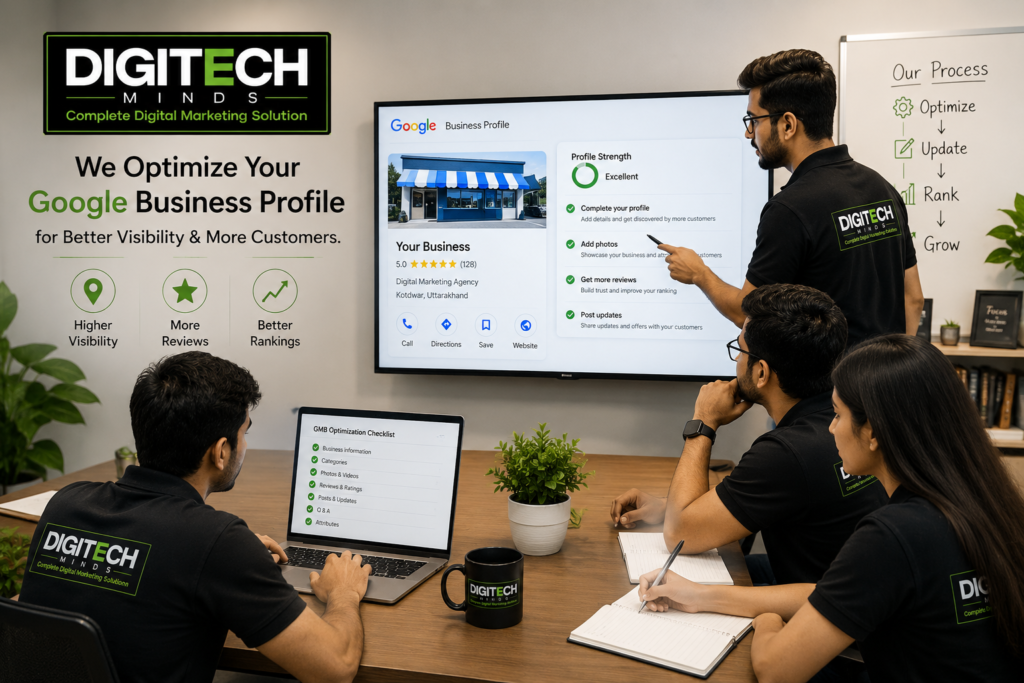
A higher Google Maps ranking doesn’t happen in a day. But with the right strategy and consistent effort, you can improve your visibility and attract more local customers.
At DigiTech Minds, we help improve your Google Business Profile, local ranking, Local SEO, Google Ads, website development, and social media marketing. We make it easier for the right customers to find your business online.
Final Thoughts
When people search for local businesses today, Google Maps is often the first place they look. If your business is not visible there, you miss chances to reach customers already searching for your services.
The good news is that improving your Google Maps rankings doesn’t always require a large advertising budget. Keep your business details accurate. Collect real customer reviews. Post updates regularly. Maintain a strong website.
Remember, local SEO isn’t about finding shortcuts—it’s about building trust with both Google and your customers. Small improvements consistently can lead to more calls, more enquiries, and more business.